.avif)
Multifamily Operations Software
Multifamily Amenity Access Control Software: How Apartment Teams Connect Reservations, Entry, and Resident Experience
Multifamily amenity access control software helps apartment communities connect amenity reservations, resident app access, usage rules, staff visibility, and resident communication in one smoother operating workflow.
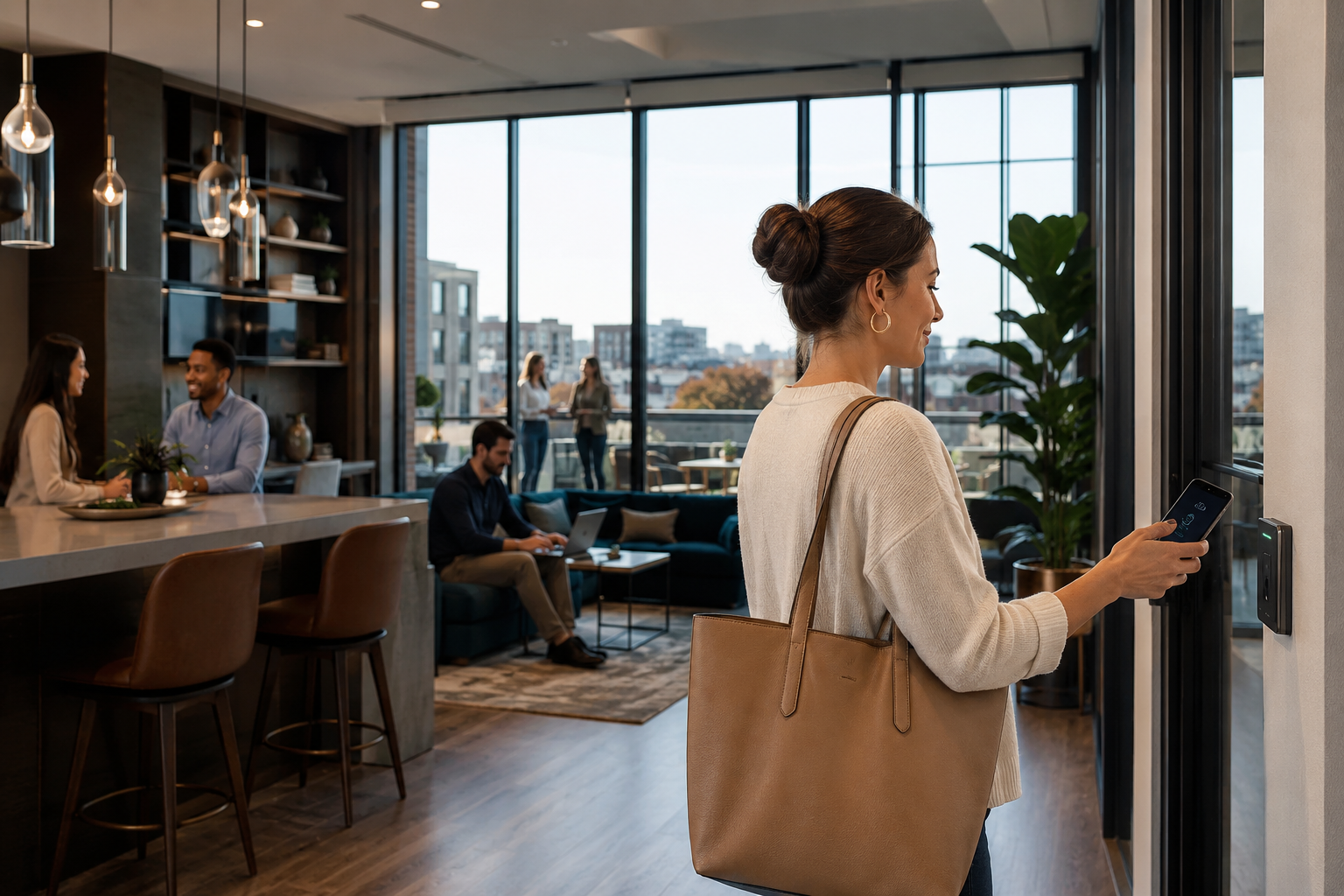
Amenity spaces are no longer just nice extras. In many Class A and modern multifamily communities, they are central to the resident experience, leasing story, renewal conversation, and operational model.
```But as amenity programs become more valuable, they also become harder to manage manually.
A rooftop lounge may require reservations. A fitness studio may need controlled access. A coworking room may have time limits. A pool deck may need guest rules. A private dining room may involve deposits, cleaning instructions, and staff coordination. When these workflows live across disconnected tools, the resident experience becomes confusing and the onsite team carries the burden.
That is where multifamily amenity access control software becomes useful.
Instead of treating amenity booking and amenity entry as separate workflows, apartment communities can connect the full process: who booked the space, who should have access, when access should start, when access should end, what rules apply, what staff needs to know, and how residents receive updates.
```What Is Multifamily Amenity Access Control Software?
Multifamily amenity access control software is a digital system that helps apartment communities manage who can access shared amenities, when they can access them, and how those access permissions connect to reservations, resident communication, property rules, and staff workflows.
In a modern resident app experience, amenity access should not feel separate from amenity booking. If a resident reserves a space, the system should help support the operational steps around that reservation, including access permissions, instructions, confirmations, reminders, and follow-up.
Why Amenity Access Is Becoming a Bigger Multifamily Operations Issue
Many apartment communities have invested heavily in amenities. The challenge is that physical amenities only create value when residents can use them easily and staff can manage them efficiently.
```Without a connected system, amenity access often depends on a patchwork of manual steps:
- Residents reserve a space in one system but unlock doors through another.
- Staff manually confirms reservations and sends instructions by email.
- Access permissions are not tied to reservation windows.
- Residents call the front desk because they are unsure how to enter.
- Teams lack visibility into which amenities are being used most often.
- Rules, guest limits, cleaning requirements, and fees are communicated inconsistently.
- High-demand amenities create disputes when policies are unclear.
These problems may seem small individually. Together, they create app fatigue, resident frustration, staff interruptions, inconsistent service, and underused amenity spaces.
```Connect Amenity Access to the Resident App Experience
ElevateOS helps apartment communities bring resident engagement, access control, amenity reservations, services, and operations into one branded resident app experience.
Explore the Branded Resident AppHow Amenity Reservations and Access Control Should Work Together
The strongest amenity workflows connect the reservation, access credential, communication, and staff process. That creates a more consistent experience for residents and a cleaner operating model for the property team.
```1. Resident Books the Amenity
The resident selects the amenity, date, time, and any required options inside the resident app or resident portal.
2. Rules Are Applied
The system supports reservation windows, capacity limits, guest policies, approval requirements, deposits, and usage instructions.
3. Access Is Aligned
Access permissions can be connected to the reservation window so the right resident has the right access at the right time.
4. Staff Gets Visibility
Teams can see upcoming bookings, resident details, special instructions, service needs, and follow-up requirements.
When these steps work together, the amenity feels more premium to the resident and more manageable to the staff.
```Common Amenity Access Control Use Cases
Different communities have different amenity programs, but most multifamily teams can benefit from connecting access control to high-value shared spaces.
```| Amenity Space | Access Challenge | Connected Software Benefit |
|---|---|---|
| Clubroom | Private events, deposits, guest limits, cleaning rules | Reservation-based access, clear instructions, staff visibility |
| Fitness Center | Resident-only use, hours, safety policies | Controlled resident access and better usage visibility |
| Coworking Space | Room reservations, capacity limits, quiet hours | Time-based reservations and easier resident self-service |
| Pool or Rooftop | Seasonal hours, guest policies, resident questions | Centralized rules, announcements, and access workflows |
| Package Room | Pickup access, theft concerns, resident confusion | Improved package access, communication, and operational control |
| Pet Spa | Cleaning rules, reservation blocks, repeat usage | Simpler scheduling and better resident instructions |
Why Residents Care About Amenity Access
Residents do not usually think in terms of software systems. They think in terms of convenience.
```They want to know:
- Can I book the amenity from my phone?
- Will I know exactly how to access the space?
- Will my mobile key, fob, or app access work when I arrive?
- Are the rules clear before I reserve?
- Can I invite guests without calling the office?
- Will I receive reminders or updates if something changes?
When the answer is yes, the property feels easier to live in. When the answer is no, even a beautiful amenity can become a source of friction.
```Why Staff Teams Care About Amenity Access
For onsite teams, amenity access control is not just about convenience. It is about reducing manual work and avoiding avoidable service issues.
```A disconnected amenity process can create repetitive interruptions:
- “How do I get into the clubroom?”
- “Can you confirm my reservation?”
- “Can I bring guests?”
- “The door is not working.”
- “Where are the rules?”
- “Can you extend my time?”
- “Who reserved the space before me?”
When these questions are handled through a connected resident app and staff portal, teams can spend less time on repetitive coordination and more time on higher-value resident service.
```Make Amenity Access Easier for Residents and Staff
ElevateOS helps multifamily communities streamline access control, resident communication, amenity workflows, package management, and engagement from one connected platform.
Book a Free ElevateOS DemoKey Features to Look For in Multifamily Amenity Access Control Software
```Resident App Access
Residents should be able to view amenities, make reservations, receive instructions, and access relevant spaces from a mobile-friendly experience.
Reservation-Based Permissions
Access should align with approved booking windows so residents are not given too much or too little access.
Custom Rules and Policies
Teams should be able to communicate rules, guest limits, deposits, setup requirements, cleaning expectations, and cancellation policies.
Staff Portal Visibility
Property teams need a clear view of upcoming reservations, resident details, access needs, service requirements, and exceptions.
Automated Communication
Confirmations, reminders, instructions, cancellations, and updates should be easy to send without manual back-and-forth.
Usage Insights
Communities should be able to understand which amenities are used, when they are used, and where resident demand is strongest.
How Amenity Access Control Supports Resident Retention
Resident retention is shaped by everyday experiences. A resident may not renew because of one dramatic issue, but many renewal decisions are influenced by repeated small moments of friction.
```Amenity access is one of those moments.
If a resident pays for a premium apartment community but cannot easily use the spaces that made the property attractive, the value of the community feels weaker. If they can book amenities quickly, access spaces easily, receive clear instructions, and trust that the process works, the property feels more organized and more worth staying in.
That is why amenity access control should not be treated as a standalone security feature. It is part of the broader resident experience.
```How ElevateOS Helps Multifamily Teams Connect Amenity Access and Resident Experience
ElevateOS is built to help multifamily teams bring resident engagement, access control, amenity workflows, communication, package management, services, and operations into one connected experience.
```With ElevateOS, apartment communities can support a more unified model across:
- Branded resident app experiences
- Access control workflows
- Amenity reservations and instructions
- Resident communication
- Package management
- Resident services
- Events and engagement
- Staff visibility through a management portal
- Portfolio-level resident experience standardization
The result is a more connected resident journey and a more manageable daily operating rhythm for onsite teams.
```Best Practices for Rolling Out Amenity Access Control Software
```1. Start with the highest-friction amenities
Begin with the spaces that create the most questions, access issues, staff coordination, or resident complaints. These are often clubrooms, rooftops, coworking rooms, private dining areas, package rooms, and fitness spaces.
2. Standardize rules before launch
Define booking windows, guest policies, access timing, cleaning expectations, cancellation rules, deposits, fees, and staff handoffs before residents start using the system.
3. Make the resident app the source of truth
Residents should know where to go for reservations, instructions, access details, announcements, and amenity updates. A single resident app helps reduce confusion.
4. Train staff around exceptions
Most reservations should be simple, but staff should know how to handle approvals, access issues, guest questions, damage concerns, cleaning follow-up, and special requests.
5. Review usage data regularly
Amenity usage patterns can help teams adjust hours, rules, programming, pricing, staffing, and resident communications. The goal is not just to control access. The goal is to make amenities more valuable.
```Related ElevateOS Solutions
Frequently Asked Questions About Multifamily Amenity Access Control Software
```What is multifamily amenity access control software?
Multifamily amenity access control software helps apartment communities manage who can access shared amenities, when access is allowed, and how access connects to reservations, rules, resident communication, and staff workflows.
How does amenity access control improve resident experience?
It makes amenities easier to use by connecting booking, entry, instructions, reminders, and updates in a more organized resident-facing experience.
Can amenity access control reduce staff workload?
Yes. When residents can self-serve reservations, view rules, receive instructions, and access amenities without repeated manual support, staff teams can reduce repetitive questions and coordination work.
What amenities can be managed with access control software?
Common examples include fitness centers, rooftops, coworking rooms, clubrooms, private dining spaces, pools, pet spas, package rooms, storage areas, and other controlled community spaces.
Should amenity access control be part of a resident app?
For many multifamily communities, yes. When amenity access is connected to the resident app, residents have one place to book spaces, view instructions, receive updates, and manage more of their daily community experience.
Ready to Connect Amenity Access, Reservations, and Resident Experience?
ElevateOS helps multifamily teams simplify resident operations with a connected platform for access control, amenity workflows, communication, resident services, engagement, and staff visibility.
Schedule a Free Demo