.avif)
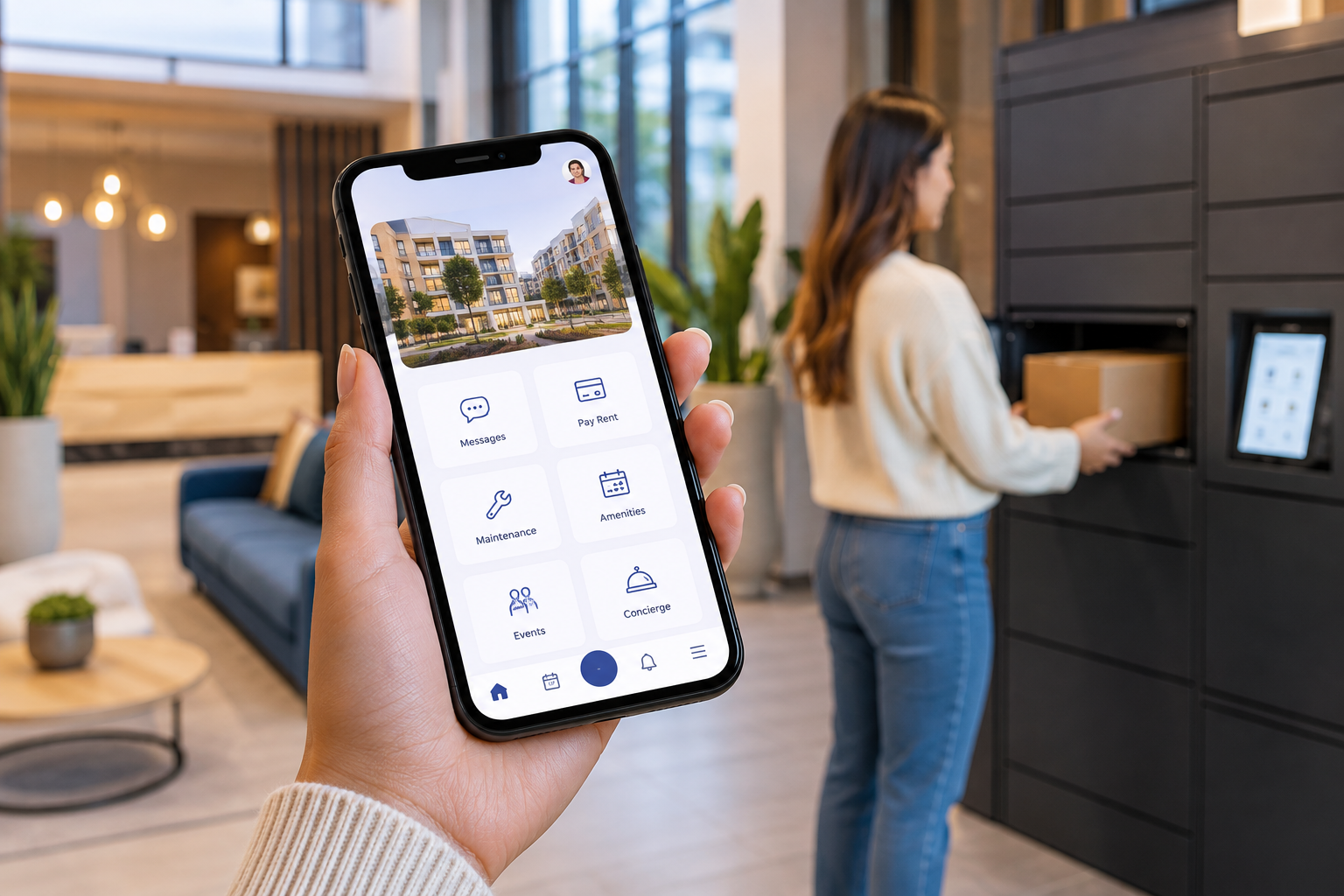
Multifamily Task Management Software: How Apartment Teams Organize Daily Work
Multifamily task management software helps apartment teams assign, prioritize, track, and complete the hundreds of operational tasks that keep a community running. Instead of relying on spreadsheets, inboxes, sticky notes, group chats, and staff memory, teams can create a centralized system for everyday property operations.
Quick Answer
What is multifamily task management software?
Multifamily task management software is a digital platform that helps apartment property teams create tasks, assign owners, set priorities and due dates, monitor status, automate recurring work, document completion, and coordinate operational follow-up. It can be used for resident requests, move-ins, amenities, inspections, packages, maintenance coordination, concierge services, community events, and other daily property workflows.
Why Task Management Has Become a Multifamily Operations Problem
Running an apartment community requires far more than processing leases and collecting rent. Every day, onsite teams coordinate resident questions, maintenance follow-ups, packages, amenities, inspections, vendors, building access, move-ins, events, concierge requests, and administrative work.
Many of these responsibilities begin as small tasks. The operational challenge appears when hundreds of small tasks are distributed across multiple team members, systems, communication channels, and shifts.
A typical property may have work scattered across:
- Staff email inboxes
- Shared spreadsheets
- Paper checklists
- Team messaging applications
- Maintenance systems
- Property management software
- Amenity calendars
- Front desk logs
- Personal reminders
- Resident conversations
Each tool can contain a piece of the operational picture. The problem is that staff still need to determine what needs attention, who owns it, when it is due, and whether it was completed.
A centralized task management layer creates structure around that daily work.
For a broader look at the technology behind modern property operations, see the ElevateOS guide to property management software.
Centralize Property Operations
Give Your Team One Place to Manage Resident-Facing Work
ElevateOS connects resident communication, services, requests, amenities, packages, events, onboarding, and daily property workflows through one connected platform.
Explore Resident Management SoftwareWhat Tasks Do Multifamily Property Teams Need to Manage?
Apartment operations are highly cross-functional. The best task management system therefore needs to support more than maintenance work orders.
Resident requests
A resident may ask a question, report an issue, request a service, need an amenity adjustment, or require follow-up from a specific member of the property team. The request should have a clear owner and status until it is resolved.
Move-in tasks
Move-in can involve documents, building access, elevator reservations, parking information, amenity orientation, package instructions, welcome communication, and internal readiness checks.
Move-out tasks
Teams may need to coordinate access changes, inspections, keys, resident instructions, documentation, service scheduling, and internal turnover activities.
Amenity operations
Apartment teams frequently need to handle room preparation, inspections, reservation exceptions, cleaning coordination, equipment checks, and resident follow-up related to shared spaces.
Packages and deliveries
Oversized packages, unclaimed deliveries, locker exceptions, delivery questions, and package-room organization can all generate operational tasks.
Property inspections
An inspection becomes more useful when an identified problem can immediately create an assigned follow-up task instead of disappearing into a report.
Events and resident engagement
Community events require planning tasks such as vendor coordination, space preparation, resident communication, registration management, supplies, cleanup, and post-event follow-up.
Concierge and resident services
Service-oriented communities may coordinate reservations, lifestyle requests, pet services, housekeeping, transportation, local recommendations, and other resident needs.
Recurring property routines
Opening procedures, closing procedures, equipment checks, common-area inspections, amenity checks, inventory reviews, resident communications, and other recurring duties can be turned into repeatable digital workflows.
10 Features to Look for in Multifamily Task Management Software
1. Centralized task creation
Staff should be able to create operational tasks in one standardized system rather than distributing work across emails, spreadsheets, and verbal requests.
2. Clear task ownership
Every actionable item should have an owner. Removing ambiguity around responsibility is one of the simplest ways to improve operational consistency.
3. Priorities and due dates
Not every task is equally urgent. Teams should be able to identify priority, deadline, and service expectations so critical work rises to the top.
4. Status tracking
Common statuses such as new, assigned, in progress, waiting, and complete make it easier to understand what is happening without asking individual staff members for updates.
5. Recurring tasks
Daily, weekly, monthly, seasonal, and property-specific routines should be scheduled automatically instead of recreated manually every time.
6. Notifications and reminders
Automated reminders help keep time-sensitive tasks from becoming forgotten follow-ups.
7. Notes and operational context
Tasks should include the information staff need to complete the work, including related resident, unit, request, amenity, service, or property details when appropriate.
8. Attachments and documentation
Supporting documents, photos, instructions, or related records can make it easier to complete and verify work.
9. Management visibility
Managers should be able to see open, overdue, blocked, and completed work without manually collecting updates from each person.
10. Connection to resident workflows
Task management becomes more valuable when it connects to the experiences generating the work. A resident request, move-in step, inspection issue, amenity need, or service request should be able to flow naturally into the staff workflow.
The Key Principle
A task list tells staff what they need to do. A connected multifamily operations platform also tells them why the task exists, which resident or workflow it affects, who owns the next step, and what happens when the work is complete.
How a Multifamily Task Management Workflow Works
Consider a common resident-service scenario.
- A request enters the system. A resident submits a question or service request.
- The task is categorized. The platform identifies the type of request and relevant workflow.
- An owner is assigned. Responsibility goes to the appropriate team member or department.
- A priority and due date are established. Staff know when action is expected.
- The team completes the work. Notes and status updates remain connected to the task.
- Follow-up occurs. The resident can receive an update or the workflow can create another required action.
- The task closes. Managers retain visibility into the completed workflow rather than losing the history in an inbox.
The same model can be used for a move-in checklist, amenity issue, package exception, inspection finding, event setup, concierge request, or recurring building task.
Multifamily Task Management vs. Property Management Task Automation
Task management and task automation are closely related, but they solve slightly different operational problems.
| Capability | Task Management | Task Automation |
|---|---|---|
| Create work | Staff creates or receives a task | System automatically creates tasks based on a trigger |
| Assign responsibility | Staff manually selects an owner | Rules route work automatically |
| Recurring work | Tasks can be duplicated or scheduled | Tasks are generated automatically on schedule |
| Reminders | Team reviews open work | System sends notifications based on status or timing |
| Escalation | Manager identifies overdue work | Rules can flag or route overdue work |
The strongest operating model combines both. Staff need a clear task-management workspace, while repeatable processes should be automated wherever practical.
From Property Software to Connected Operations
Task management works best as part of the broader property technology environment rather than another isolated application.
Explore how ElevateOS connects resident-facing activity and everyday property operations through property management software for modern residential communities.
You can also review what resident management software is and how it connects communication, services, engagement, and operational workflows.
Benefits of Task Management Software for Apartment Teams
Fewer missed follow-ups
Work becomes less dependent on staff remembering conversations or searching through email threads.
Clearer accountability
Assigned ownership makes it easier for every team member to understand which work is theirs.
Better staff handoffs
A centralized task history helps another team member understand what has happened and what still needs to be completed.
More consistent property operations
Repeatable workflows reduce reliance on informal processes that may change from employee to employee or property to property.
Less status-checking
Managers can review task status directly instead of repeatedly asking staff for updates.
Better resident communication
When internal work is easier to track, property teams have clearer context when updating residents.
More scalable operations
Standardized task workflows make it easier to establish operating processes that can be repeated across communities while still allowing property-level flexibility.
Everything. One App.
Connect Staff Work With the Resident Experience
Instead of adding another disconnected task app, bring resident communication, requests, amenities, packages, services, events, onboarding, and everyday operations into a more connected environment.
Explore the Resident Experience Platform See the All-in-One Resident AppTask Management Software vs. Spreadsheets
Spreadsheets can be useful for simple lists, but they become harder to maintain when task volume, staff count, workflow complexity, or portfolio size increases.
| Operational Need | Spreadsheet | Task Management Software |
|---|---|---|
| Task assignment | Manual | Structured ownership |
| Reminders | Usually manual | Automated notifications possible |
| Recurring work | Rows copied manually | Repeatable workflows |
| Status visibility | Depends on manual updates | Centralized workflow status |
| Resident context | Often disconnected | Can connect to related workflows |
| Portfolio standardization | Difficult to govern | Reusable processes and templates |
What Should a Multifamily Operations Dashboard Show?
Task management becomes especially useful when managers can quickly see the health of daily operations rather than opening individual records one at a time.
A useful multifamily operations view may surface:
- New tasks
- Unassigned tasks
- Open work
- Tasks due today
- Overdue tasks
- High-priority tasks
- Tasks by department
- Tasks by community
- Recurring operational work
- Recently completed work
- Resident requests requiring follow-up
- Operational exceptions requiring manager attention
The goal is not simply to create more reporting. It is to help teams understand where attention is required.
How to Implement Multifamily Task Management Software
Step 1: Audit where tasks live today
Document the places staff currently receive and track operational work. Include email, spreadsheets, messaging tools, maintenance systems, handwritten notes, property software, and verbal handoffs.
Step 2: Identify repetitive workflows
Look for work that follows the same steps repeatedly. Move-ins, inspections, amenity checks, events, package exceptions, opening routines, resident follow-ups, and service requests are good places to start.
Step 3: Define ownership
Determine which role or department should own each type of task. Clear ownership should exist before automation is added.
Step 4: Define priorities and expected completion times
Separate urgent resident-impacting issues from routine operational work so teams know what should be addressed first.
Step 5: Standardize recurring tasks
Create reusable workflows for activities that should happen consistently.
Step 6: Connect related resident workflows
Whenever possible, allow the operational task to retain the context of the resident interaction, amenity, service, move-in, event, or other workflow that created it.
Step 7: Measure exceptions, not just completions
Pay particular attention to unassigned, overdue, repeatedly reopened, or unusually slow tasks. Exceptions often reveal where workflows need improvement.
Multifamily Task Management Software Checklist
When evaluating a platform, ask whether it can:
- Create and assign tasks quickly
- Set due dates and priorities
- Track work by status
- Support recurring property tasks
- Send reminders or notifications
- Preserve notes and task history
- Connect tasks with relevant resident workflows
- Give managers visibility into overdue work
- Support different staff roles and properties
- Reduce reliance on spreadsheets and manual lists
- Connect with the broader property technology ecosystem
- Scale from individual communities to portfolio operations
How ElevateOS Supports Connected Multifamily Operations
ElevateOS brings resident-facing experiences and everyday property operations into a connected platform for multifamily communities.
Property teams can connect workflows across areas such as:
- Resident communication
- Resident requests
- Maintenance coordination
- Amenities and reservations
- Packages and deliveries
- Move-in and onboarding
- Resident services
- Events and engagement
- Building access
- Community information
- Daily property operations
Instead of requiring residents to navigate multiple disconnected apps and staff to switch between separate operational systems, ElevateOS is designed around a more centralized resident and property-management experience.
Learn more about resident management software or explore the all-in-one resident app.
Frequently Asked Questions
Multifamily Task Management Software FAQ
What is multifamily task management software?
Multifamily task management software helps apartment property teams create, assign, prioritize, track, and complete operational tasks. It can support resident requests, inspections, amenities, packages, move-ins, services, events, maintenance coordination, and recurring property routines.
What is apartment staff task management software?
Apartment staff task management software is a system specifically used by onsite property teams to organize work, assign responsibility, establish deadlines, document progress, and make unfinished or overdue work easier to identify.
Can property management software manage staff tasks?
Some property management platforms include workflow or task-management capabilities. Others focus primarily on accounting, leasing, payments, or property records and may require additional operational software for resident-facing tasks and daily staff workflows.
What tasks can apartment property managers automate?
Repeatable tasks such as reminders, recurring inspections, move-in steps, resident communications, amenity checks, follow-ups, routine property checks, and workflow assignments may be good candidates for automation depending on the platform and process.
Is task management software different from maintenance software?
Yes. Maintenance software generally focuses on maintenance requests, work orders, technicians, and repairs. Multifamily task management can cover a broader range of property work including resident services, amenities, inspections, packages, events, onboarding, communication follow-ups, and administrative tasks.
Can multifamily task management software replace spreadsheets?
It can replace many task-tracking spreadsheets by providing structured assignments, statuses, priorities, deadlines, reminders, recurring workflows, and task history in a dedicated operational system.
What should multifamily operators look for in task management software?
Look for simple task creation, clear ownership, priorities, due dates, recurring tasks, reminders, documentation, manager visibility, portfolio scalability, workflow automation, and connections with the resident and property systems teams already use.
How does task management improve resident experience?
Better internal organization can help property teams respond more consistently, reduce missed follow-ups, maintain clearer ownership, and provide residents with better visibility into the requests and services that affect them.
Final Takeaway: Apartment Operations Need More Than a To-Do List
Multifamily communities generate operational work continuously. Resident requests arrive. Move-ins need coordination. Amenities need attention. Inspections generate follow-ups. Packages create exceptions. Events require preparation. Staff change shifts. Managers need visibility.
When that work is scattered across spreadsheets, inboxes, messages, and memory, even strong property teams can lose visibility.
Multifamily task management software creates a clearer operating model by giving work an owner, priority, status, deadline, and history.
The next step is connecting those tasks with the resident experiences and property workflows that created them. That is how task management evolves from a digital checklist into a connected multifamily operating system.
Simplify Daily Property Operations
Connect Resident Experiences and Property Work in One Platform
See how ElevateOS helps multifamily teams manage resident communication, requests, amenities, packages, services, events, onboarding, and everyday community operations through a more connected experience.
Explore ElevateOS View the Resident Experience Platform