

Integrations · Unit Locks
ElevateOS + SALTO
LiveSALTO KS and SALTO Space mobile keys inside your branded resident app, with device binding, physical fob issuing, visitor PINs, lock caching and offline mode. 2.56 million access events and counting.
Spanish access-control maker known for the XS4 and Ælement lock ranges and the cloud platforms SALTO KS and SALTO Space, used across multifamily, hospitality and commercial buildings in 90+ countries.
In the app
What SALTO does inside ElevateOS
Resident sync
Residents and units sync from the PMS, so every key matches who lives where.
Mobile keys
Residents open unit and common doors from the branded app over Bluetooth and the network, on SALTO KS and SALTO Space.
Offline mode
Keys keep working when the phone or the building has no signal, with lock caching on the phone.
Visitor keys and PINs
Residents send visitors a mobile key or a PIN code from the app.
Fobs from the portal
Staff issue physical fobs from the ElevateOS portal and the Staff App, with no separate encoder login.
Staff keys and amenity doors
Staff keys and amenity access run through the same SALTO integration.
Device binding
Each key is bound to one phone, and residents can switch it to a new device.
Favorite doors and one-tap unlock
Residents pin the doors they use most and open them with one tap.
Instant revoke
Move-out revokes the key, and keyless activity shows up in analytics.
How it connects
No reprogramming. No fob encoder at the desk. No spreadsheet.
ElevateOS talks to SALTO through the supported integration, provisions what the PMS says to provision and revokes what the PMS says to revoke.
Staff can issue supported physical credentials from Staff App. Mobile keys and physical credentials stay visible in one workflow.
- 1
The lease is signed in your PMS.
- 2
ElevateOS provisions the SALTO credential for the right unit and common doors.
- 3
The resident opens the door from the branded app. Move-out revokes the key automatically.
Offline access
Built for the day the network goes down.
Cached keys can open supported SALTO doors when the phone has no signal. Device binding ties the credential to one phone. ElevateOS has processed 2.56M+ SALTO access events.
Supported devices
59 SALTO devices, searchable
Showing 12 of 59 devices
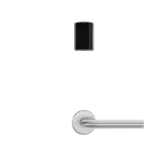
Smart lock
Ælement - ANSI
Model IDs: AE-A-SB, AE-A-PB, AE-A-PSS, AE-A-BC
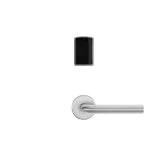
Smart lock
Ælement - EU
Model IDs: AE-EU-SSS, AE-EU-PB, AE-EU-SB, AE-EU-PSS, AE-EU-BC
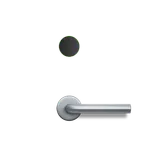
Smart lock
Ælement Fusion - ANSI
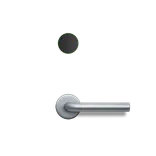
Smart lock
Ælement Fusion - EU / DIN
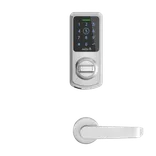
Smart lock
DBolt Touch
Model IDs: DB-T-DB-SSS, DB-T-DB-SB, DB-T-DB-PSS, DB-T-DB-BC
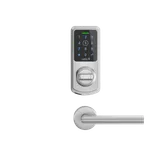
Smart lock
DBolt Touch IC
Model IDs: DB-T-IC-SSS, DB-T-IC-SB, DB-T-IC-BC, DB-T-IC-PSS
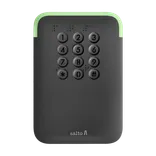
Wall reader
Design XS - ANSI Keypad Wall Reader
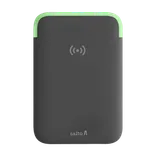
Wall reader
Design XS - ANSI Wall Reader
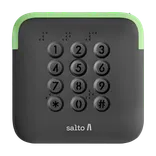
Wall reader
Design XS - European Keypad Wall Reader
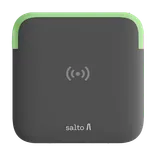
Wall reader
Design XS - European Wall Reader
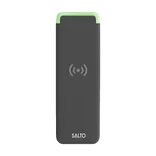
Wall reader
Design XS - Mullion Wall Reader
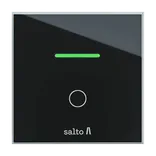
Wall reader
Glass XS Reader
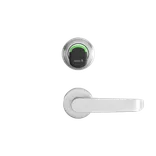
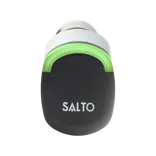
Smart lock
Neo - ANSI Cylinder
Smart lock
Neo - Australian Cylinder
Smart lock
Neo - CAM Cylinder
Smart lock
Neo - European Cylinder
Smart lock
Neo - Mortise Cylinder
Smart lock
Neo - Scandinavian Oval Cylinder
Smart lock
Neo - Scandinavian Security Cylinder
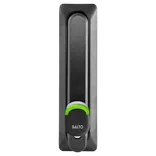
Smart lock
Neo - Swing Handle Cylinder
Smart lock
Neo - Swiss Cylinder
Smart lock
Neo - UK Oval Cylinder
Smart lock
Neo - UK Rim Cylinder
Smart lock
Neo - US RIM Cylinder
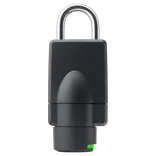
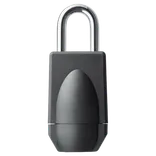
Padlock
Neoxx Padlock - G3
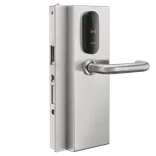
Padlock
Neoxx Padlock - G4
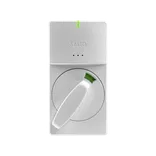
Smart lock
XS4 Glass Door - DIN
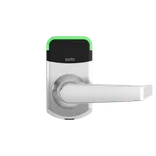
Smart lock
XS4 Locker Lock
Smart lock
XS4 Mini - ANSI
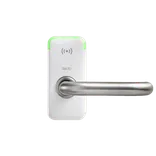
Smart lock
XS4 Mini - Australia
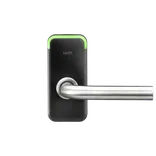
Smart lock
XS4 Mini - European / DIN
Smart lock
XS4 Mini - Finnish
Smart lock
XS4 Mini - Scandinavian
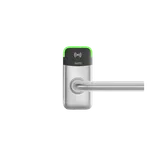
Smart lock
XS4 Mini Metal - European / DIN
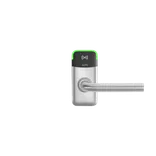
Smart lock
XS4 Mini Metal - Scandinavian
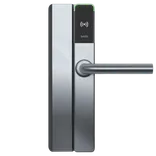
Smart lock
XS4 One - Deadlatch
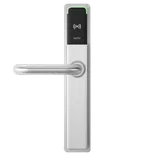
Smart lock
XS4 One - DIN
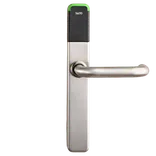
Smart lock
XS4 One - EU
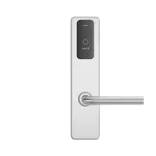
Smart lock
XS4 One S - ANSI
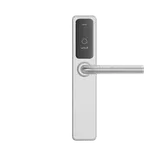
Smart lock
XS4 One S - DIN
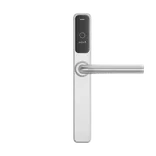
Smart lock
XS4 One S - Euro
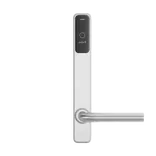
Smart lock
XS4 One S - Scandinavian
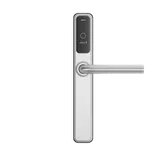
Smart lock
XS4 One S Heavy Duty - EURO
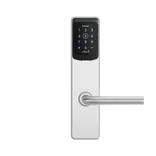
Smart lock
XS4 One S Keypad ANSI
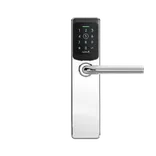
Smart lock
XS4 One S Keypad Euro
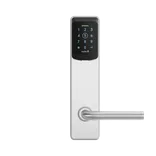
Smart lock
XS4 One S Keypad Scandinavian
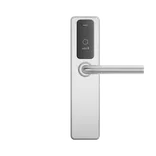
Smart lock
XS4 One S Wide Euro
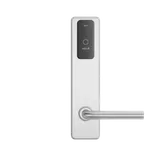
Smart lock
XS4 One S Wide Scandinavian
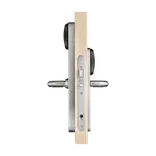
Wall reader
XS4 Original Double Reader - EU
Model IDs: XS4-O-DR-IM, XS4-O-DR-IP, XS4-O-DR-NE
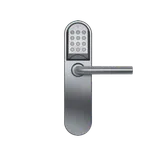
Smart lock
XS4 Original Keypad - ANSI
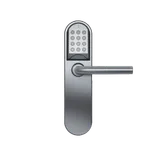
Smart lock
XS4 Original Keypad - EU
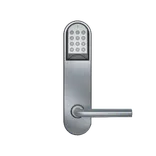
Smart lock
XS4 Original Keypad - Scandinavian
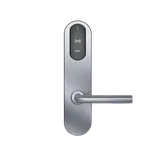
Smart lock
XS4 Original+ ANSI
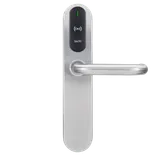
Smart lock
XS4 Original+ DIN
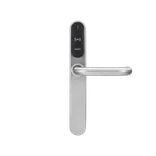
Smart lock
XS4 Original+ EURO
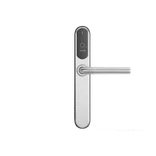
Smart lock
XS4 Original+ Heavy Duty - Euro
Model IDs: XS4-O-HD-IM, XS4-O-HD-PSS, XS4-O-HD-BC, XS4-O-HD-PB, XS4-O-HD-SB
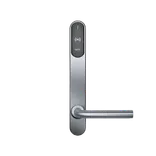
Smart lock
XS4 Original+ Scandinavian
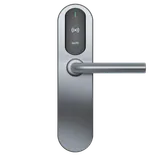
Smart lock
XS4 Original+ Wide EURO
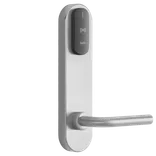
Smart lock
XS4 Original+ Wide Scandinavian
Supported functions vary by device, configuration and integration. ElevateOS confirms the model and setup for your building before activation.
Property management
Provisioned from a PMS or ElevateOS CRM
ElevateOS provisions SALTO from 7 PMS platforms, or from ElevateOS CRM when the community runs without a PMS. Either way, one system stays the source of truth for who lives where.
No PMS? ElevateOS CRM runs standalone as the community's own resident CRM. HOAs, condos and strata often run it this way.
Customer story
West House

4 apps to 1
SALTO access and the ButterflyMX intercom in one branded app, with hotel-style personal services for every resident. One of the top ElevateOS communities in Toronto.
Read the customer storyFAQ
SALTO, answered.
Does ElevateOS replace the SALTO app?
Yes, for residents. ElevateOS puts SALTO mobile keys, favorite doors, the unlock widget and visitor PINs inside the branded resident app.
Does ElevateOS work with SALTO KS and SALTO Space?
Yes. ElevateOS supports SALTO KS and SALTO Space. Available capabilities depend on the installed system.
Can staff issue SALTO fobs from ElevateOS?
Yes. Staff can issue supported physical SALTO credentials from Staff App or the portal.
What happens when a resident moves out?
ElevateOS reads the lease change from the PMS, revokes the SALTO credential and records the event in the audit trail.
What if our SALTO system is older?
Tell ElevateOS the model and firmware. The integration team will confirm requirements before the building commits.
Does SALTO hardware need to be replaced or reprogrammed?
No. ElevateOS connects to SALTO through its supported interface, so the hardware stays where it is.
Which SALTO models does ElevateOS support?
ElevateOS supports 59 SALTO devices, listed on this page with their model IDs. Supported functions vary by device and configuration, and ElevateOS confirms the model and setup before activation.
Book a demo
See the resident app open a SALTO door.
Bring your SALTO building. ElevateOS will show the PMS-to-phone credential flow and the resident unlock experience.